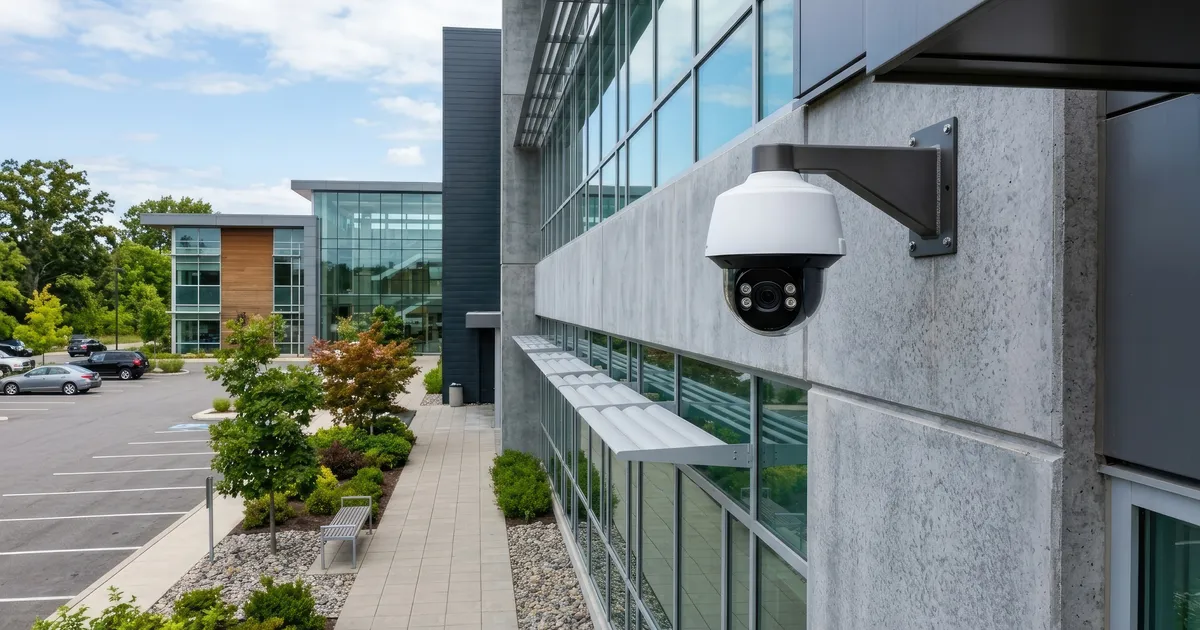
Short answer: for most small businesses, the highest-impact technology priorities, in rough order, are: a network reliable enough to support everything else, security cameras covering entrances and sensitive areas, and access control to replace shared keys with accountable, revocable access. Not every business needs all three at once — the right starting point depends on which gap creates the most risk or friction today.
Start with the network
Cameras, access control, point-of-sale systems, and guest Wi-Fi all depend on a network that’s actually reliable. A business running on a single consumer router, with staff, customers, and security equipment all competing for the same connection, tends to show it first as random slowdowns or dropped camera feeds — problems that look like separate issues but trace back to one underdesigned network.
A commercial-appropriate setup typically separates traffic (staff systems, security devices, and guest Wi-Fi on different networks), uses equipment rated for continuous business use rather than consumer gear, and is documented well enough that a problem can be diagnosed quickly instead of becoming a guessing game.
Security cameras: coverage that matches actual risk
For a small business, camera placement should follow where risk and liability actually concentrate:
- Entrances and points of sale
- Storage or inventory areas
- Parking lots and loading areas, if applicable
- Any area with cash handling or sensitive records
The same lesson applies here as in residential installs: a camera that “generally covers” an area often isn’t positioned to capture the specific detail that matters — a face at the register, a plate in the lot, a clear view of a back entrance.
Access control: fixing the problem with shared keys
Physical keys don’t scale well past a small handful of employees. Once several people carry a copy, a business loses track of who actually has access, and a single lost key means re-keying every lock that key opens.
Access control — keypad codes, fobs, or card readers — solves that by making access:
- Individual. Each employee (or code) can be tied to a person.
- Revocable. Remove one person’s access without touching anyone else’s.
- Logged. See who entered, and when, without relying on memory.
This matters most for businesses with employee turnover, multiple access points, or areas (a stockroom, a server closet, a cash office) that shouldn’t be open to everyone.
A reasonable way to prioritize
If you can only tackle one thing this quarter:
- Network is unreliable or ad hoc → start there; everything else depends on it.
- Network is fine, but there’s no camera coverage on entrances or cash-handling areas → prioritize cameras.
- Cameras and network are solid, but keys are shared among many employees with no way to track access → prioritize access control.
Few small businesses need to solve all three simultaneously — but each one becomes a bigger, more disruptive fix the longer it’s deferred, especially networking, which everything else tends to sit on top of.
See our small business page for how these fit together in a typical commercial project, or request a free assessment and we’ll help you figure out where your specific space needs attention first.